Allen Bradley 1606-XL240E Power Supply Troubleshooting Guide
Time:2026-07-15 Browse: 14
Allen Bradley 1606-XL240E Power Supply Fault Symptoms
The Allen Bradley 1606-XL240E Power Supply Troubleshooting Guide focuses on diagnosing unstable DC output, PLC shutdowns, and field device power problems. In many industrial cases, a suspected power supply fault is actually caused by external wiring problems, overload conditions, or incorrect system configuration.
Common Allen Bradley 1606-XL240E fault symptoms include:
PLC Controller randomly restarting
24V DC output dropping during machine operation
Sensors losing power intermittently
Communication Module disconnecting
Control relays failing to energize
The first step in Fault Diagnosis is determining whether the failure originates from the Power Supply itself or from connected devices.
Allen Bradley 1606-XL240E Power Supply Fault Diagnosis Thinking Process
Experienced engineers normally avoid replacing the Power Supply immediately.
The diagnostic approach starts with three questions:
Is the AC input stable?
Is the DC output stable without load?
Does the voltage change when external devices operate?
This method separates internal Power Supply problems from external system faults.
During one repair case, a production machine experienced repeated PLC Controller resets. The maintenance team suspected the 1606-XL240E because the PLC lost power during operation.
Initial measurement results:
Output voltage without load: 24.6V DC
Output voltage during operation: 19.8V DC
Load current: 12.5A
The investigation showed that the connected load exceeded the Power Supply capacity.
The actual failure source was a damaged valve coil drawing excessive current.
After replacing the faulty valve, the 1606-XL240E returned to normal operation.
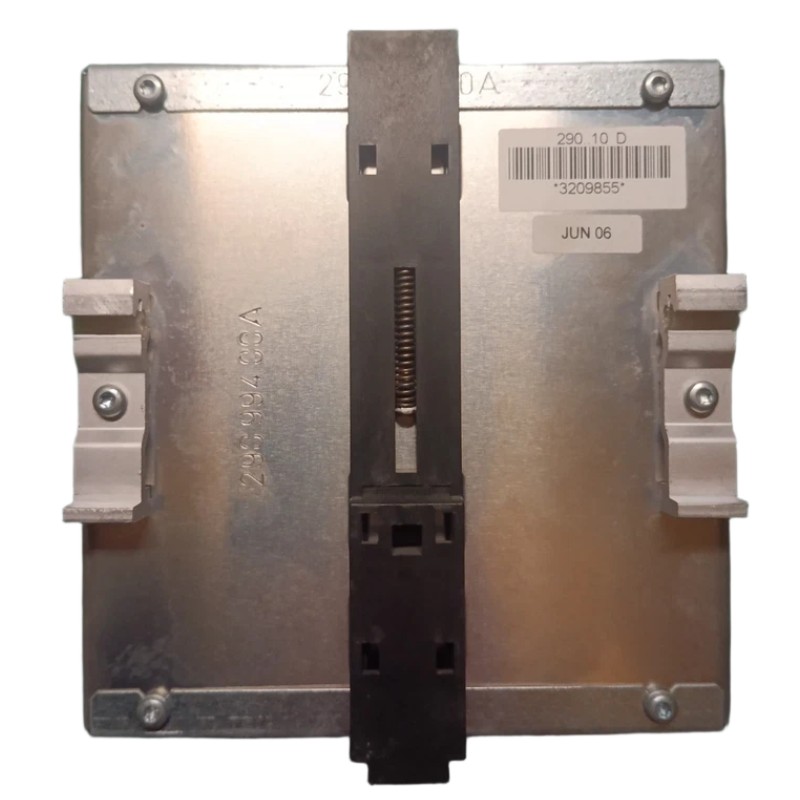
Allen Bradley 1606-XL240E Low Voltage Fault Investigation
Low voltage conditions are one of the most common troubleshooting cases.
Possible causes include:
Overloaded DC circuit
Short circuit in field wiring
Loose terminal connection
Incorrect cable selection
Aging external devices
A practical troubleshooting method is load isolation.
The engineer disconnects non-critical loads and observes whether the voltage recovers.
Allen Bradley 1606-XL240E Input Power Failure Analysis
Not every DC fault starts from the output side.
Input instability can also create PLC Controller failures.
In one field troubleshooting case, an automation system stopped randomly after several hours of operation.
The measured values were:
Normal AC input: 230V AC
Fault condition: 170V AC
DC output during failure: 20.5V DC
The engineering team checked the 1606-XL240E first but found no internal abnormality.
Further inspection discovered a loose incoming power terminal. When cabinet temperature increased, the connection resistance increased and caused intermittent voltage loss.
After repairing the AC wiring connection, the system operated continuously without further shutdowns.
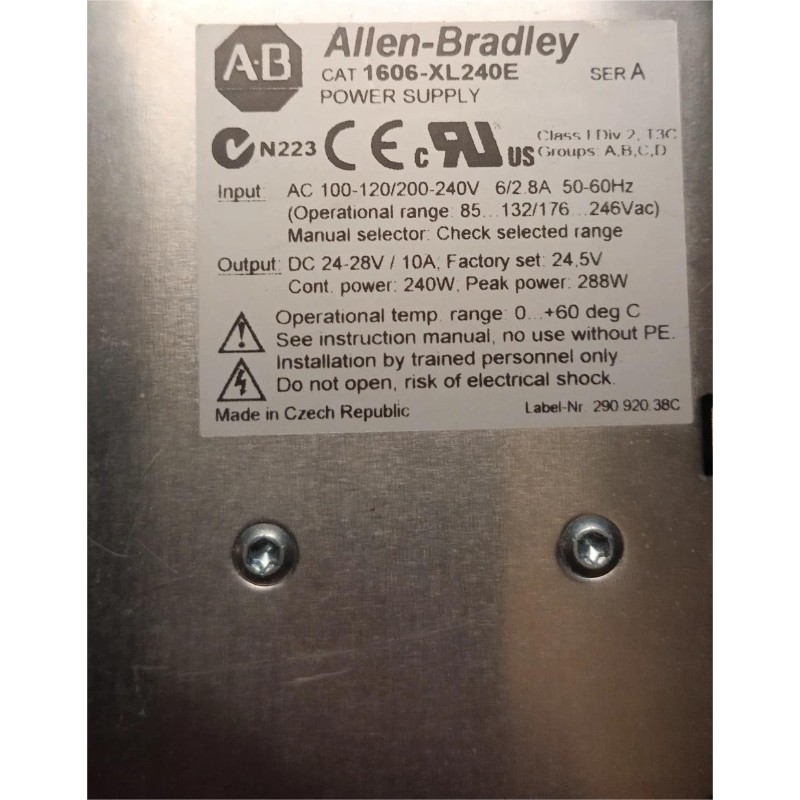
Allen Bradley 1606-XL240E Overload and Protection Troubleshooting
Overload conditions often appear after machine modifications.
Typical examples include:
Additional sensors added without power calculation
Extra communication devices installed
New solenoid valves connected
Incorrect replacement components installed
During a machine expansion project, several new safety devices were added to an existing control panel. The original 1606-XL240E worked normally before modification but began shutting down afterward.
Current measurement showed:
Before expansion:
DC load current: 6.2A
After expansion:
DC load current: 11.8A
The solution was redesigning the DC power distribution instead of replacing the Power Supply.
Allen Bradley 1606-XL240E Repair and Recovery Methods
When performing repair work, engineers should confirm the actual failure point.
Recommended Fault Diagnosis checks:
Measure AC input stability
Verify DC output under load
Check current consumption
Inspect wiring condition
Examine connected devices
Confirm grounding quality
If the Power Supply has internal damage, replacement may be required. However, many industrial failures are caused by external conditions.
A correct repair restores the entire PLC Controller system rather than only replacing one component.
Allen Bradley 1606-XL240E Field Troubleshooting Experience
A real troubleshooting process often requires understanding the relationship between the Power Supply, PLC Controller, Module devices, and Sensors.
In one maintenance case, operators reported unstable sensor feedback and suspected the 1606-XL240E output.
The diagnostic process showed:
DC voltage: 24.2V DC stable
Sensor signal: intermittent
Power supply temperature: normal
Further signal analysis found electrical interference caused by incorrect sensor cable routing.
After separating signal cables from motor wiring, the Sensor system returned to stable operation.
The fault was not caused by the Allen Bradley 1606-XL240E itself but by the surrounding System Configuration.
Allen Bradley 1606-XL240E Troubleshooting Summary
The Allen Bradley 1606-XL240E Power Supply is an important component in industrial automation systems where stable 24V DC power is required for PLC Controller, Module, and Sensor applications.
Effective Troubleshooting and Fault Diagnosis require:
Measurement before replacement
Understanding of the complete electrical system
Analysis of load conditions
Verification of wiring and grounding
Reliable fault diagnosis begins with finding the real cause, not replacing the first suspected component.