Schneider TSX3722001 Modular Controller Troubleshooting Guide
Time:2026-08-21 Browse: 14
Schneider TSX3722001 troubleshooting should begin by identifying which part of the control chain has failed. When an I/O point stops responding, the cause may be the field device, wiring, power supply, module connection, configuration, or controller logic—not necessarily the TSX3722001 itself.
Schneider TSX3722001 PLC Fault Symptoms
Typical TSX3722001 fault symptoms include:
Controller does not start normally
One or more I/O points remain inactive
Output commands do not operate field equipment
Module status appears abnormal
HMI values disagree with field measurements
Communication with another automation device is lost
The machine stops after a configuration change
The first diagnostic task is to determine whether the problem affects one channel, one module, or the complete controller system.
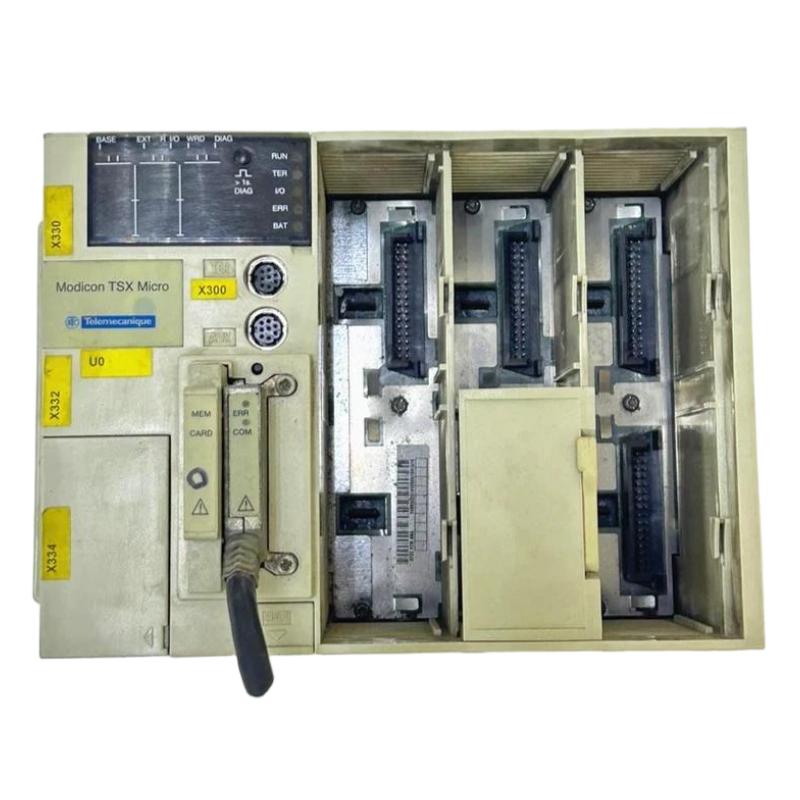
Schneider TSX3722001 I/O Troubleshooting
Consider a machine where a proximity sensor is detected correctly in the field but the PLC program shows no input.
Measure the sensor output first. If the expected signal is present, measure the same point at the controller-side terminal. A difference between these two measurements indicates a wiring or termination problem.
If the signal reaches the input correctly, inspect the configured channel and application logic.
This method prevents a common repair mistake: replacing an expensive controller when the actual problem is a damaged field cable.
Schneider TSX3722001 Controller Configuration Faults
Configuration problems can create symptoms that resemble hardware failure.
For example, an analog input may display an unrealistic process value even though the transmitter produces a stable 4–20 mA signal. In this situation, compare the measured current with the value interpreted by the PLC.
If the transmitter produces 12.0 mA but the application displays an unexpectedly high or low engineering value, inspect the scaling and channel configuration before replacing the module.
The System Configuration should always be compared with the actual hardware installed in the cabinet.
Schneider TSX3722001 Real Field Case: Intermittent I/O Failure
In one field troubleshooting case, a digital input worked normally during initial testing but became inactive after the cabinet had been operating for several hours.
The controller was initially suspected because the fault appeared intermittent. Measurements showed approximately 24.1 VDC at the sensor during normal operation, but the voltage intermittently dropped to near zero when the cabinet wiring was disturbed.
The investigation eventually identified a poorly crimped terminal connection. Vibration caused the connection resistance to change, producing an intermittent input failure.
After the terminal was correctly re-terminated, the signal remained stable during repeated machine cycles.
The important clue was that the fault changed when the physical wiring was moved. That behavior pointed away from the controller and toward the field connection.
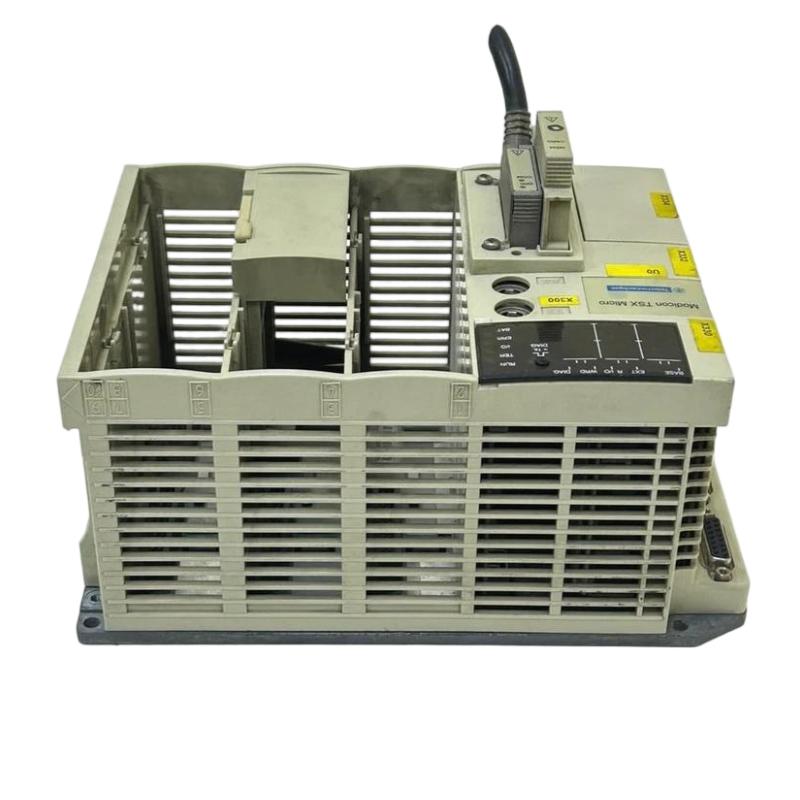
Schneider TSX3722001 Communication Fault Troubleshooting
If the TSX3722001 operates normally but another system reports lost data, first establish whether the problem is local or network-wide.
Check the communication cable, connectors, addressing, configuration parameters, and status indications. If multiple devices lose communication simultaneously, investigate the shared communication infrastructure. If only one station is affected, concentrate on its local connection and configuration.
Do not modify the PLC program simply to compensate for an unresolved physical communication fault.
Schneider TSX3722001 Repair and Recovery
Before replacing the TSX3722001, document the failure condition and record measured values.
Useful information includes:
Control supply voltage
Affected I/O channels
Field signal measurements
Module status
Communication status
Recent configuration changes
Application behavior before the fault
If hardware replacement is required, preserve the existing System Configuration and verify the replacement hardware before returning the machine to automatic operation.
A controlled replacement is much safer than changing the controller and several configuration parameters simultaneously.
Schneider TSX3722001 Troubleshooting Long-Tail Keywords
Long-tail search phrases include Schneider TSX3722001 Troubleshooting Guide, Schneider TSX3722001 Fault Diagnosis, Schneider TSX3722001 PLC Controller fault, Schneider TSX3722001 I/O troubleshooting, Schneider TSX3722001 communication fault, Schneider TSX3722001 repair, TSX3722001 module fault diagnosis, and TSX3722001 System Configuration troubleshooting.
The most effective Troubleshooting strategy is to prove each section of the signal path with measurements. A controller should only be considered defective after the power supply, wiring, I/O behavior, configuration, and external devices have been checked.