Schneider 140CPS42400 Power Supply Troubleshooting for PWR OK LED Failure
Time:2026-10-28 Browse: 6
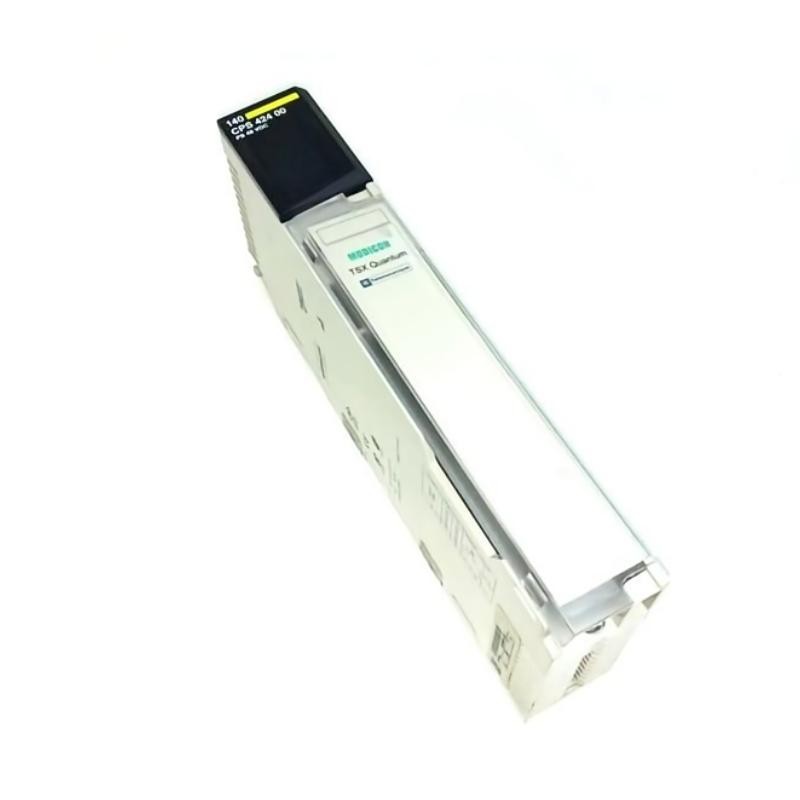
Schneider 140CPS42400 PWR OK LED Fault Diagnosis
A Schneider 140CPS42400 power supply module with an unlit PWR OK LED should be investigated by checking the DC input, polarity, external fuse, and field wiring before replacing the module. The green indicator confirms that power is being supplied to the PLC backplane when operating normally, but an unlit LED alone does not identify the underlying fault.
The 140CPS42400 is a Modicon Quantum power supply designed for a 48–60 V DC nominal supply. Its documented operating range extends from 40 to 72 V DC. Measuring the input under actual operating conditions is therefore a useful starting point for Troubleshooting and Fault Diagnosis.
Schneider 140CPS42400 Startup Symptoms and Possible Causes
An unlit PWR OK LED may occur alongside a PLC that fails to start, an unexpected rack shutdown, or a power supply alarm. Different symptoms can point to different causes.
| Observed symptom | Diagnostic direction |
|---|---|
| PWR OK LED remains off | Check input voltage, polarity, and fuse |
| LED illuminates intermittently | Investigate unstable supply or loose connections |
| Power supply LED is normal but PLC is offline | Check processor, rack, and module diagnostics |
| Alarm is active despite apparently normal operation | Inspect alarm relay wiring and receiving logic |
| Fault occurs when the rack load increases | Assess supply capacity and voltage stability |
These are diagnostic possibilities rather than confirmed failure causes. The actual cause should be established through measurements and inspection.
Schneider 140CPS42400 Troubleshooting: Checking Input Voltage
The first important distinction is whether the module is receiving the correct DC input.
With appropriate electrical safety precautions in place, measure the voltage at the designated input terminals. Compare the reading with the documented 40–72 V DC operating range and inspect the supply behavior during startup.
Consider an illustrative case in which a rack initially receives 48 V DC, but the voltage falls to 36 V DC when additional equipment starts. Since 36 V DC is below the documented minimum, the external supply, upstream wiring, protective devices, and shared DC loads should be investigated first.
The technician should not replace the 140CPS42400 solely because the PLC shuts down during this event. A supply voltage that drops below the permitted range can explain the symptom without requiring an internal module failure.
After correcting any external supply issue, repeat the voltage measurement under the same operating conditions and confirm that the PWR OK indicator remains normal.
Schneider 140CPS42400 Field Wiring and Fuse Inspection
If the incoming voltage is correct, the next diagnostic area is the field wiring connector.
The 140CPS42400 hardware reference specifies a seven-point connector and recommends a 2 A medium time-lag external fuse. A blown fuse, loose terminal, damaged conductor, or incorrect polarity can prevent normal operation.
Isolate the power source before inspecting or servicing these components. Check the fuse rating, conductor condition, terminal security, and connector seating against the manufacturer's documentation.
A fuse that blows repeatedly should not simply be replaced again. Investigate possible wiring faults, incorrect protection selection, or an abnormal input condition before restoring power.
Schneider 140CPS42400 Alarm Relay and Redundancy Diagnostics
The module provides a normally closed alarm relay contact for power supply fault signaling. If a PLC alarm appears while the PWR OK LED remains illuminated, inspect the alarm wiring and receiving input before assuming that the power supply itself has failed.
Check whether the alarm circuit is wired to the correct terminals and whether the control logic interprets the contact state correctly. Verify the circuit using an approved isolated test procedure.
For redundant systems, also review the installed module combination and rack configuration. A redundancy-related problem may result from an incompatible arrangement or an issue with the companion power supply rather than a fault in the unit reporting the alarm.
Schneider 140CPS42400 Power Supply Repair and Recovery
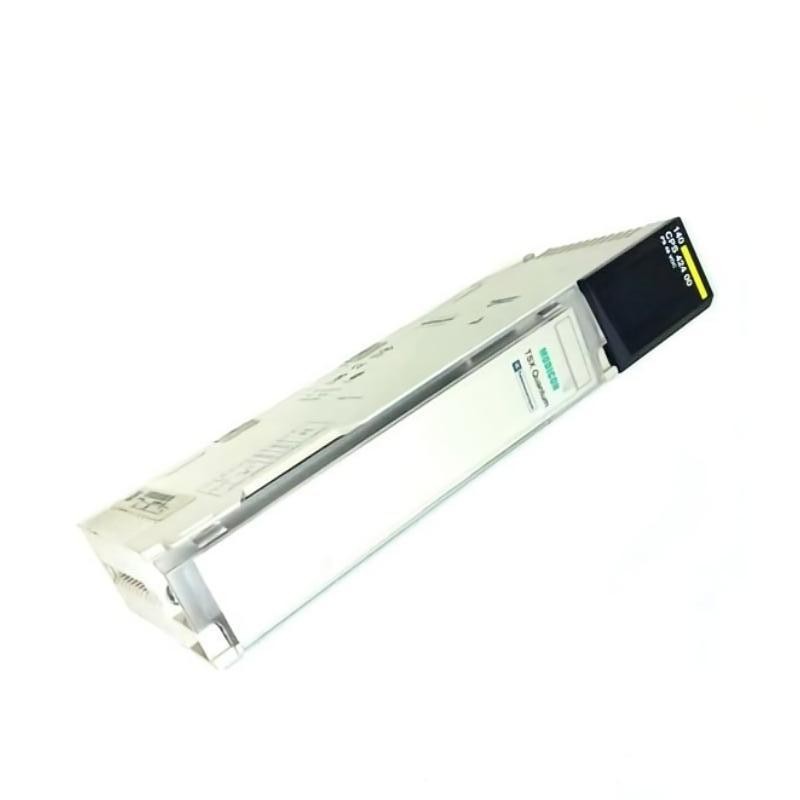
If the input remains within specification, the polarity and fuse are correct, and the wiring and rack connections are sound, the evidence may justify further testing or replacement of the power supply.
Use the manufacturer's approved diagnostic procedure and a verified compatible replacement. Do not open or repair energized internal circuitry, and do not assume that a different Quantum power supply model is interchangeable without checking its electrical and redundancy requirements.
After corrective work, verify that the PWR OK LED illuminates, the processor starts normally, and the original fault no longer occurs under representative operating conditions. Document the input voltage, observed symptom, identified cause, corrective action, and final test results.
Schneider 140CPS42400 Troubleshooting: Long-Tail Keywords
Relevant search phrases include Schneider 140CPS42400 troubleshooting guide, 140CPS42400 PWR OK LED not working, Schneider 140CPS42400 DC input fault, Modicon Quantum power supply startup failure, 140CPS42400 fuse troubleshooting, and Schneider Quantum redundant power supply fault diagnosis.