Allen Bradley 1606-XL60D Power Supply Troubleshooting Guide
Time:2026-07-31 Browse: 22
Allen Bradley 1606-XL60D Power Supply Fault Symptoms in Industrial Systems
Allen Bradley 1606-XL60D power supply faults often appear as PLC Controller resets, Module communication interruptions, or unstable Sensor signals. In many industrial environments, the first troubleshooting step is not replacing the power supply but analyzing the complete electrical system behavior.
Common fault symptoms include:
PLC system unexpectedly restarting
24V DC output fluctuation
Control modules losing communication
Sensors producing incorrect signals
Power supply overload indication
A proper Fault Diagnosis process requires checking voltage, current, wiring condition, and connected loads before deciding whether the power supply requires replacement.
Allen Bradley 1606-XL60D Power Supply Diagnostic Thinking Process
When troubleshooting the Allen Bradley 1606-XL60D, engineers normally follow a signal path analysis approach.
The diagnostic logic is:
AC input → Power conversion → DC output → PLC Controller → Field Module → Sensor devices
If the failure occurs after the DC output stage, the power supply may not be the actual cause.
During one field troubleshooting case, a packaging machine experienced random PLC shutdowns every few hours. The maintenance team suspected the 1606-XL60D unit because the controller lost power. However, measurement showed:
Input voltage: 230V AC stable
Output voltage without load: 24.2V DC
Output voltage during machine operation: 19.6V DC
Further inspection found a damaged solenoid valve causing excessive current demand. After replacing the defective component, the output returned to 24.1V DC and the PLC system operated normally.
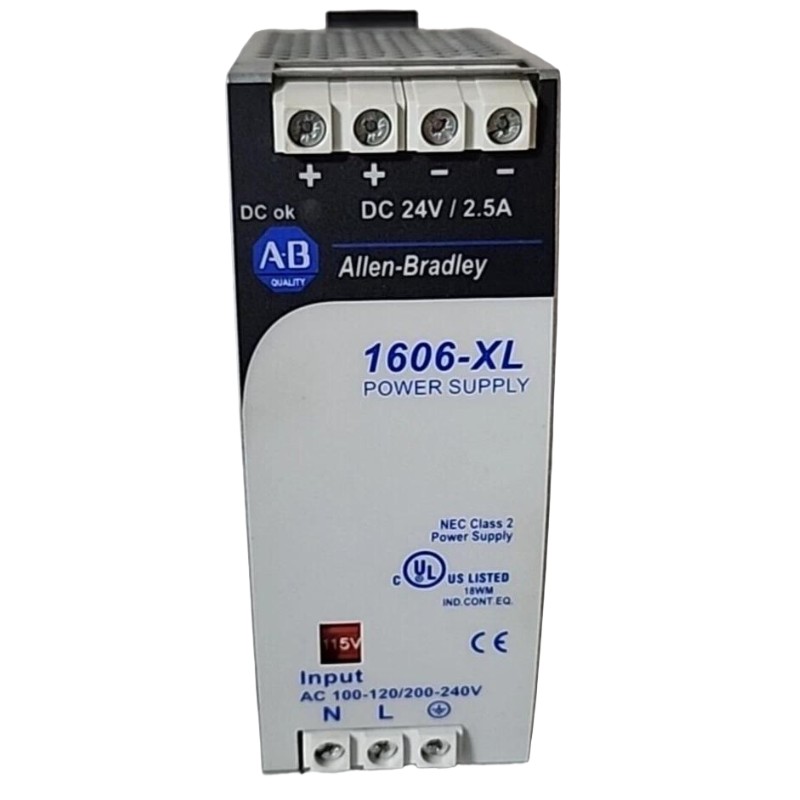
Allen Bradley 1606-XL60D Power Supply Overload Fault Diagnosis
Overload conditions are one of the most common issues affecting industrial DC power systems.
Possible causes include:
Short circuit in field devices
Failed Module components
Incorrect load calculation
Damaged Sensor wiring
Aging electrical components
A practical troubleshooting method is to disconnect non-essential loads and monitor output recovery.
Example diagnostic sequence:
Remove field devices from the DC circuit
Measure unloaded output voltage
Reconnect devices individually
Identify abnormal current increase
This approach helps determine whether the fault comes from the Allen Bradley 1606-XL60D Power Supply or external equipment.
Allen Bradley 1606-XL60D Power Supply Voltage Instability Repair Case
Another common failure pattern is intermittent voltage fluctuation caused by poor electrical connections.
In one repair case, an automation cabinet showed repeated communication faults between PLC Controller and remote Module units.
Initial observations:
PLC diagnostic logs showed random communication loss
DC voltage fluctuated between 23.4V and 22.1V
No hardware alarms were present
The engineering team performed terminal inspection and found loose DC output connections creating voltage drops during machine movement.
After tightening terminals and replacing the damaged connector, measurements improved:
Before repair:
DC voltage variation: 22.1–23.4V
After repair:
Stable output: 24.0–24.2V
The communication fault disappeared without replacing the power supply.
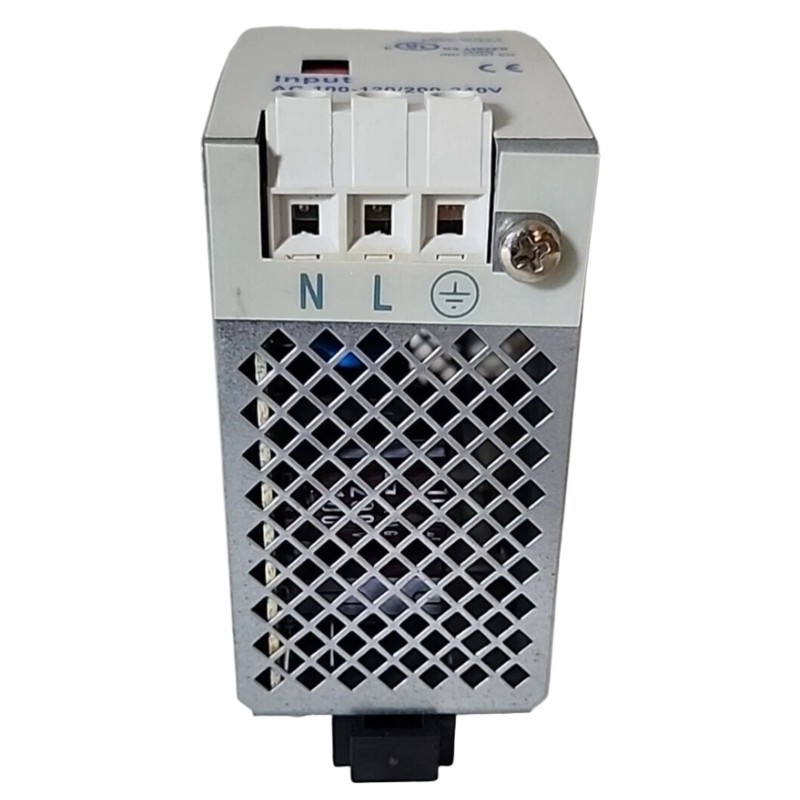
Allen Bradley 1606-XL60D Power Supply Repair and Maintenance Strategy
For long-term reliability, troubleshooting should include preventive inspection.
Recommended checks:
Measure DC output during peak load
Inspect terminal condition
Check cabinet temperature
Review connected equipment current demand
Record abnormal operating patterns
A complete Allen Bradley 1606-XL60D Troubleshooting process should always separate power supply failure from external System Configuration problems.
Allen Bradley 1606-XL60D Power Supply Fault Diagnosis Summary
The Allen Bradley 1606-XL60D is a critical component in many industrial automation systems. Effective troubleshooting depends on engineering analysis rather than immediate replacement.
By checking electrical parameters, analyzing load behavior, and following a structured Fault Diagnosis method, technicians can quickly identify whether the issue originates from the power supply, PLC Controller, Module equipment, or field Sensor devices.