Emerson KJ1710X1-BA1 Fiber Switch Troubleshooting Guide (Fault Diagnosis)
Time:2026-09-16 Browse: 24
Emerson KJ1710X1-BA1 communication faults should not automatically be treated as a failed switch. A missing remote connection can originate from the 24 VDC supply, copper Ethernet path, fiber connector, optical link, or the connected DeltaV network equipment. The KJ1710 is a single-port fiber switch with four 10/100BaseTX ports and one 100BaseFX fiber port, so Fault Diagnosis should isolate each section separately.
Emerson KJ1710X1-BA1 Fiber Switch Fault Symptoms
A typical fault may appear as intermittent communication, loss of a remote network segment, or a fiber link that refuses to establish while the local copper devices remain available.
This distinction is important.
If all local Ethernet devices communicate normally but the remote fiber-connected section is unavailable, the first diagnostic target should be the optical path rather than the PLC Controller or application program.
If the entire switch becomes inactive, power measurement should come before network troubleshooting.
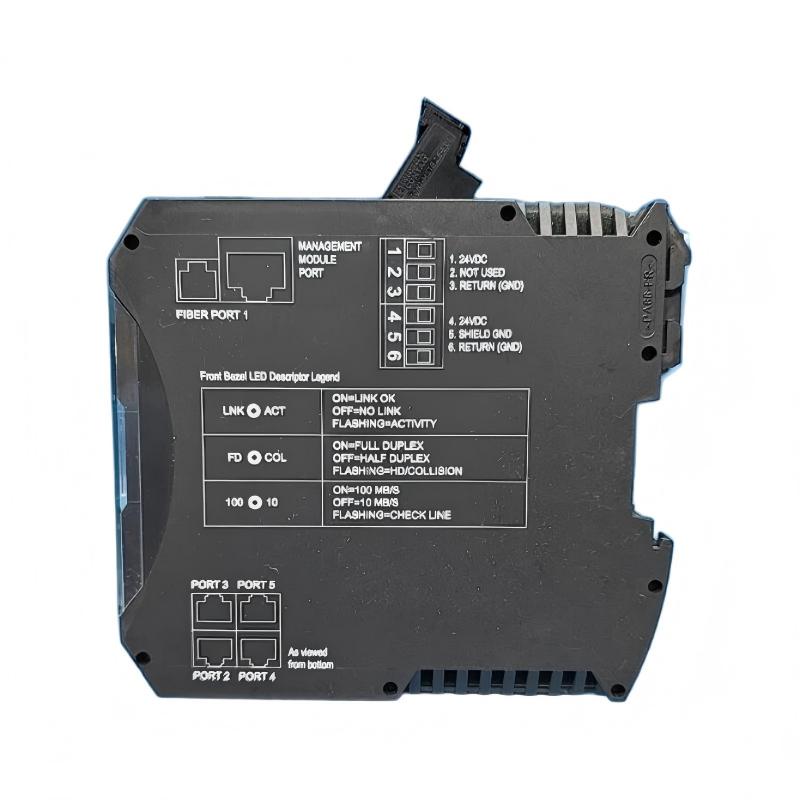
Emerson KJ1710X1-BA1 Power Fault Diagnosis
The specified input range is 19.2–28.8 VDC at 250 mA.
Measure the voltage directly at the switch rather than at the upstream power supply.
For example:
Power supply output: 24.1 VDC
Voltage at switch: 21.3 VDC
Observed symptom: intermittent network communication
This pattern points toward voltage drop, loose termination, or wiring resistance rather than immediately proving a hardware failure.
A useful field test is to monitor the voltage while the network is operating. If the value falls significantly when the cabinet load changes, investigate the DC distribution and terminal connections.
Emerson KJ1710X1-BA1 Fiber Communication Troubleshooting
A particularly useful Fault Diagnosis case occurs when the copper ports show normal activity but the fiber-connected equipment remains offline.
The engineer should work outward from the switch:
KJ1710 power → local Ethernet link → fiber connector → transmit/receive path → remote fiber interface → remote network device.
Inspect the optical connector before replacing hardware. Dust, poor seating, incorrect fiber routing, or damaged cable sections can all produce the same operational symptom.
The KJ1710 documentation specifies 100BaseFX full-duplex fiber communication and multimode fiber configurations. The installation documentation lists 62.5/125 and 50/125 micron fiber and a nominal 2 km fiber distance.
A fiber run that exceeds the intended optical budget should therefore be treated as a transmission-path problem rather than a PLC software problem.
Emerson KJ1710X1-BA1 Intermittent Communication Fault
Intermittent faults require a different troubleshooting strategy.
In one field-style diagnostic case, a remote node repeatedly disappeared while the local network remained operational. The initial assumption was a defective fiber switch. However, the measured DC input remained stable at approximately 24 VDC, while inspection of the fiber connection found mechanical movement at the connector.
After the connector was reseated and the optical path secured, communication remained stable during an extended observation period.
The important engineering lesson is that an intermittent network fault should be reproduced before replacing the KJ1710X1-BA1. A component swap can temporarily hide a mechanical or cabling problem.
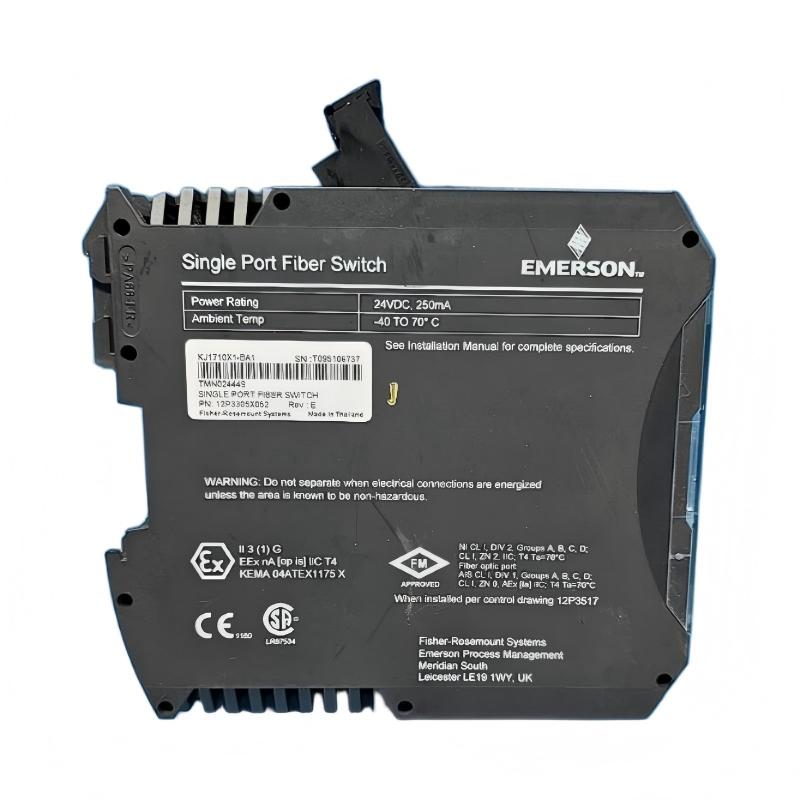
Emerson KJ1710X1-BA1 Environmental Fault Investigation
The published operating range is -40°C to 70°C, with 5–95% non-condensing relative humidity. The device is also specified for industrial shock and vibration.
If the fault appears only during a particular production period, compare the communication failure with cabinet temperature, vibration, and nearby equipment switching.
For example, a communication drop that occurs only when a large motor starts should prompt inspection of the DC supply and cabinet wiring before concluding that the fiber switch has failed.
Environmental correlation is especially useful when the same network hardware operates correctly during maintenance but fails during production.
Emerson KJ1710X1-BA1 Repair Decision Process
The KJ1710 documentation states that the unit contains no user-serviceable parts and should not be disassembled. Calibration is not required.
Therefore, field Repair should normally focus on external causes:
Correcting the DC supply connection
Replacing damaged communication cabling
Cleaning or reseating fiber connections
Correcting fiber transmit/receive routing
Checking network-side equipment
Verifying installation and environmental conditions
If these checks are completed and the switch still fails under a known-good power source and communication path, controlled module replacement becomes a more defensible diagnostic action.
Emerson KJ1710X1-BA1 Troubleshooting Logic
A practical Fault Diagnosis sequence is:
No power indication → measure DC voltage.
Power normal, copper communication normal, fiber unavailable → inspect fiber path.
Fiber link unstable → inspect connector, cable routing, and mechanical stress.
All external paths verified but fault persists → compare with a known-good switch.
This approach prevents unnecessary replacement of an expensive industrial network component.
Long-Tail Keywords for Emerson KJ1710X1-BA1 Troubleshooting
Useful long-tail searches include Emerson KJ1710X1-BA1 Troubleshooting, KJ1710X1-BA1 fiber switch fault diagnosis, Emerson KJ1710X1-BA1 communication fault, KJ1710 single port fiber switch troubleshooting, Emerson DeltaV fiber switch communication problem, and KJ1710X1-BA1 fiber link failure.
The most reliable Troubleshooting method is to divide the communication path into power, copper, optical, and remote-network sections, then verify each section with measured evidence instead of replacing the switch based only on the alarm.