GE 8521-RT-DE PAC8000 RTU Controller Installation Guide for Setup and Commissioning
Time:2026-10-15 Browse: 1
GE 8521-RT-DE RTU Controller Installation Overview
The GE 8521-RT-DE PAC8000 RTU Controller installation process requires correct hardware mounting, compatible I/O configuration, network addressing, and communication testing before the controller is placed into service. A controller that powers up successfully may still be unable to exchange process data with the SCADA system if its firmware, I/O configuration, or communication parameters do not match the project requirements.
The 8521-RT-DE is a PAC8000 remote terminal unit designed for industrial monitoring and control applications. Its configuration and commissioning should be treated as a complete system task rather than a simple controller replacement.
Preparing the GE PAC8000 Controller for Installation
Before beginning the Installation Guide procedure, verify the controller's complete part number, hardware revision, firmware version, and existing application configuration. These details are especially important when installing a spare controller into an operating RTU cabinet.
The following items should be available:
The GE 8521-RT-DE controller and compatible PAC8000 I/O hardware.
The appropriate controller and I/O installation manuals.
PAC8000 Workbench and the applicable configuration utilities.
The approved control strategy, I/O configuration, and network settings.
A maintenance laptop, Ethernet cable, and suitable electrical test equipment.
Inspect the controller connector area, terminals, mounting hardware, and enclosure for damage. Confirm that the installed power supply and I/O modules meet the requirements of the actual system design. Do not assume that a configuration from another PAC8000 controller is automatically compatible.
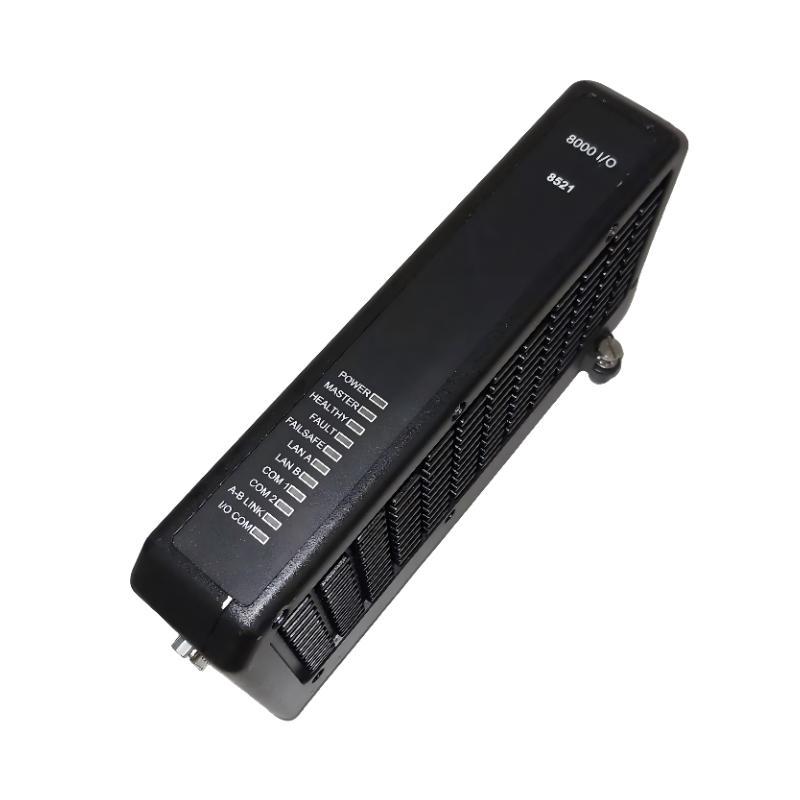
GE 8521-RT-DE Mounting, Wiring, and Network Preparation
Install the controller according to the PAC8000 hardware instructions and the cabinet's approved drawings. Before making electrical connections, isolate the relevant power sources and follow the site's lockout/tagout procedures.
Pay particular attention to the following areas:
Power and grounding: Verify supply polarity, rated voltage, protective grounding, and terminal tightness against the applicable hardware documentation. Do not apply power until wiring has been independently checked.
I/O arrangement: Confirm that the installed modules correspond to the project configuration. Review channel assignments and field wiring before enabling outputs. An incorrect channel mapping can produce misleading process values even when the controller reports healthy status.
Ethernet configuration: Record the controller's assigned IP address, subnet, and other required network parameters. Check for duplicate IP addresses and verify that the engineering workstation is configured to reach the intended controller network.
Serial communications: Where serial field devices are used, verify the selected port, protocol, baud rate, parity, stop bits, and device addressing against the approved communication schedule.
For a controller operating as part of a redundant or duplex arrangement, follow the specific system design instructions. Do not apply simplex commissioning assumptions to a duplex installation.
PAC8000 System Configuration and Initial Setup
The GE 8521-RT-DE Setup and Commissioning process should begin with establishing a reliable engineering connection. Use the supported PAC8000 configuration tools to identify the controller and verify that the displayed hardware and firmware information matches the intended installation.
If the controller is new or has been reset, determine whether it is waiting for initial network configuration. PAC8000 controllers may use a BOOTP-based initial setup process, depending on their state. Confirm the actual startup condition before assigning network parameters or downloading an application.
Once communication is established, review the following configuration elements:
Controller identity and network settings.
I/O module inventory and channel mapping.
Control strategy and application version.
Protocol settings for SCADA and connected field devices.
Alarm, event, and communication-failure behavior.
The installed firmware must support the intended application and configuration software. For example, the published PAC8000 RTU firmware release 2.14 documentation identifies Workbench 8.4 SIM5 or later as the recommended programming environment for that release. This is a release-specific compatibility reference, not a universal requirement for every installation.
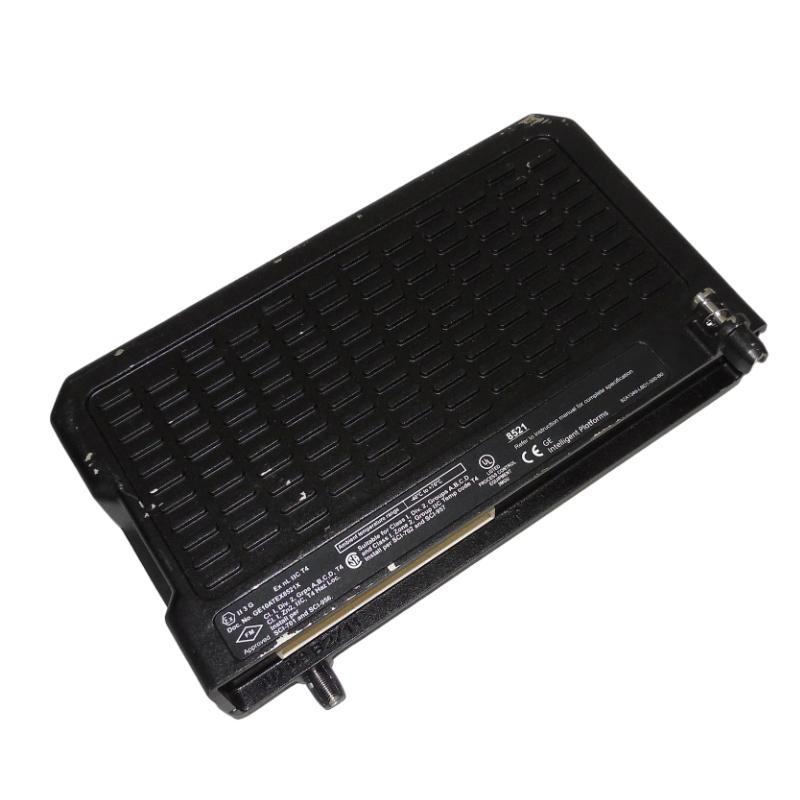
GE 8521-RT-DE Commissioning and Functional Validation
After downloading the approved configuration, verify the controller's health indications, I/O communication status, and event log. Confirm that the application has started correctly and that no unexpected module faults remain.
Commissioning should include a controlled test of representative digital inputs, analog inputs, digital outputs, and analog outputs where those channels are installed. Compare the values displayed by the engineering tools with the actual field conditions and the SCADA display.
For analog signals, record the measured field value, the controller's reported value, and the expected engineering-unit conversion. For digital points, verify both state transitions and alarm behavior. Output tests must follow the approved operating procedure and include appropriate safeguards against unintended equipment movement.
A useful commissioning record contains the controller firmware, configuration revision, network settings, I/O test results, and outstanding alarms. These records provide a baseline for later Fault Diagnosis and make subsequent maintenance more efficient.
Field Example: GE PAC8000 RTU Communication Acceptance
During a representative RTU commissioning scenario, the controller powers up normally but the SCADA workstation cannot read selected process values. Instead of replacing the controller immediately, the engineer verifies Ethernet reachability, checks the configured protocol and device address, and compares the downloaded configuration with the approved project.
If the controller is reachable but process data remains unavailable, the investigation moves to protocol configuration and point mapping. If the controller is not reachable, network addressing, cabling, and initial setup become the priority.
This example illustrates the diagnostic sequence rather than a documented customer installation. Actual acceptance values and communication response times must be taken from the site's project specification and measured during testing.
GE 8521-RT-DE Installation Guide: Long-Tail Commissioning Checks
For engineers searching for a GE 8521-RT-DE PAC8000 RTU Controller Installation Guide, the most important commissioning checks are controller firmware compatibility, initial IP configuration, PAC8000 I/O mapping, SCADA protocol setup, and end-to-end point validation.
A successful Setup / Commissioning procedure confirms more than a healthy LED. It demonstrates that the controller, I/O Module hardware, field devices, and supervisory system exchange the correct data under the approved operating conditions.