Schneider 140CPS22400 Power Supply Module Installation Guide and Commissioning
Time:2026-10-28 Browse: 6
Schneider 140CPS22400 Power Supply Module Installation Requirements
The Schneider 140CPS22400 power supply module installation process should begin with verifying the rack configuration, checking the supply voltage against the module nameplate, and confirming that the power supply is compatible with the installed Modicon Quantum PLC system. Incorrect power connections, poor terminal contact, or an unsuitable power source can prevent the PLC from starting reliably or cause intermittent shutdowns during operation.
This Installation Guide focuses on practical preparation, hardware installation, Setup / Commissioning, and System Configuration checks for the Schneider 140CPS22400 power supply module.
Where the Schneider 140CPS22400 Fits in a PLC System
The 140CPS22400 is a power supply module associated with the Schneider Electric Modicon Quantum automation platform. Its role is to provide the required operating power to the PLC rack and its installed modules. A stable supply is essential for the processor, communication interfaces, and I/O modules to operate consistently.
Before installation, verify the exact module variant and its electrical requirements using the applicable Schneider Electric hardware documentation. Do not assume that wiring details or ratings from another Quantum power supply model apply to the 140CPS22400.
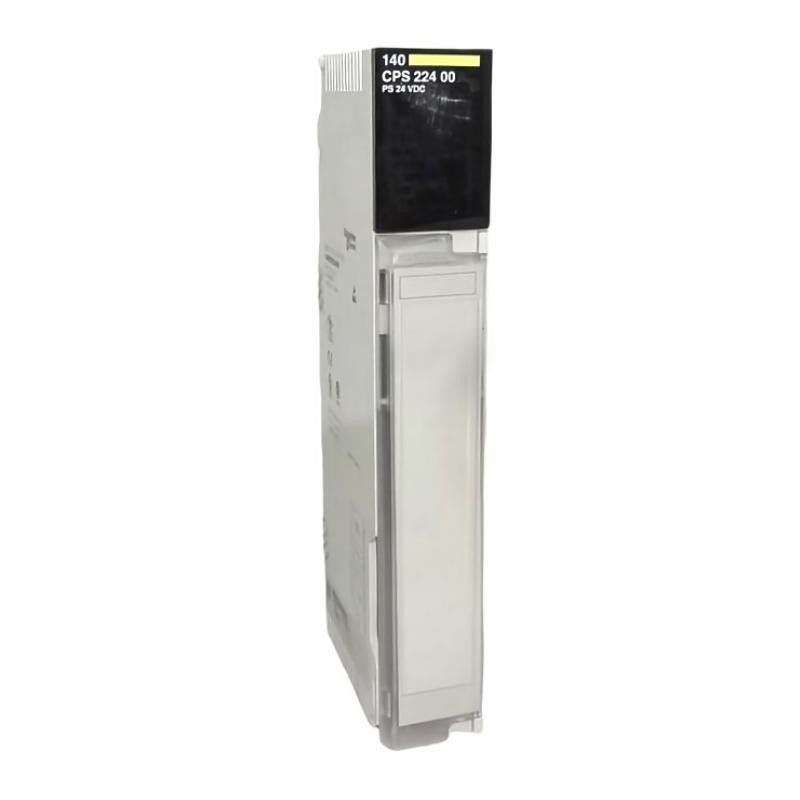
Schneider 140CPS22400 Installation Preparation
Prepare the installation area before inserting the module into the rack.
Confirm that the PLC rack and power supply model are compatible.
Inspect the module housing, connector area, and terminals for physical damage.
Verify the specified input voltage, frequency, protective grounding requirements, and upstream protection.
Check that the cabinet provides adequate ventilation and that the module will not be exposed to excessive heat.
Identify the correct power isolation point and follow the site's lockout/tagout procedure.
A useful commissioning practice is to record the incoming supply voltage before connecting the module. For example, if the installation specification calls for a nominal 120 V AC source, a measured 118 V AC may be acceptable only if it falls within the documented operating range. This is an illustrative measurement, not a confirmed operating limit for the 140CPS22400.
Schneider 140CPS22400 Power Supply Wiring and Rack Installation
Isolate the power source and verify the absence of hazardous voltage before working on the rack or its wiring. Install the power supply according to the manufacturer's rack and connector instructions, ensuring that the module is correctly seated and secured.
Connect the incoming supply using the designated terminals and the wiring diagram for the exact model. Confirm protective earth continuity where required, secure all connections to the specified torque, and route power conductors separately from sensitive signal wiring where practical.
Do not improvise terminal assignments or apply power based solely on the appearance of another power supply. Incorrect wiring can damage the module or other connected equipment.
Schneider 140CPS22400 Setup and Commissioning Checks
Commissioning should verify both the electrical supply and the behavior of the complete PLC system.
After completing the wiring inspection, restore power according to the site's approved startup procedure. Observe the power supply indicators and check the processor and rack status. Confirm that the PLC starts normally and that the installed modules reach their expected operating states.
If the power supply starts but the processor remains offline, inspect the rack configuration, module seating, processor status, and any diagnostic indications before concluding that the power supply is defective.
During an illustrative commissioning case, a PLC rack failed to start consistently after maintenance. The incoming voltage measured 121 V AC, while a loose upstream terminal caused the voltage to drop intermittently under load. Correcting the connection and repeating the startup test restored stable operation. These figures describe a representative troubleshooting scenario, not a documented Schneider 140CPS22400 field report.
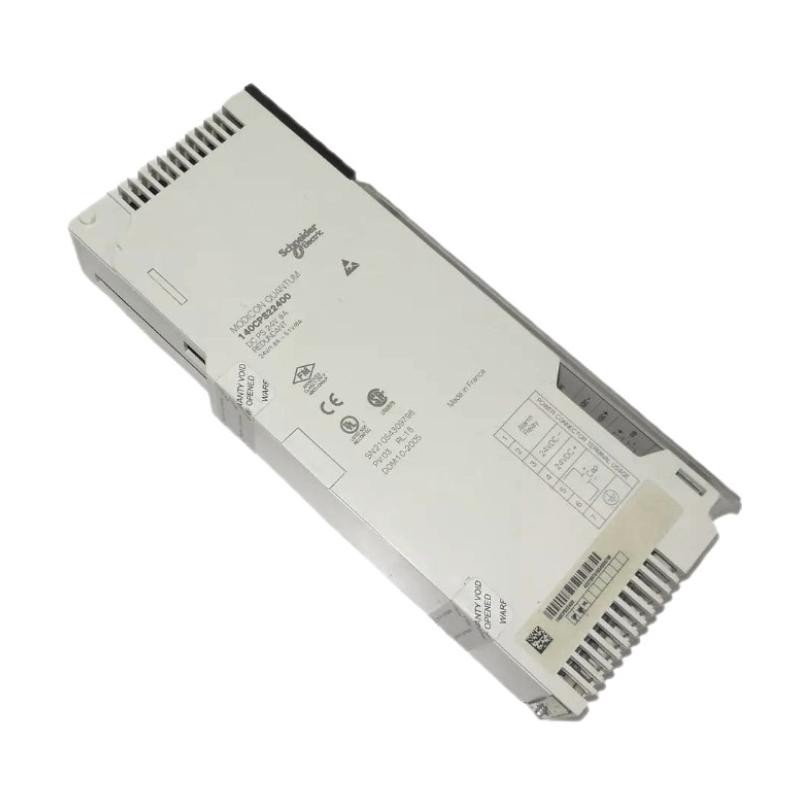
Schneider 140CPS22400 System Configuration Validation
The final validation should establish that the installed power supply supports the intended rack configuration under normal operating conditions.
Record the incoming voltage, module identification, rack arrangement, indicator states, and any relevant processor diagnostics. Check the system again after connected modules have initialized and the normal control load has been applied.
A successful Setup / Commissioning process requires more than a single power-on test. The supply should remain stable, the processor should operate normally, and no unexplained power-related alarms should appear during the site's defined observation period.
Long-Tail Keywords for Schneider 140CPS22400 Installation
Relevant search phrases include Schneider 140CPS22400 power supply installation guide, 140CPS22400 PLC power supply setup, Schneider Modicon Quantum power supply commissioning, 140CPS22400 rack installation requirements, and Schneider PLC power supply system configuration.
These terms describe practical installation and verification tasks rather than assuming that every Quantum power supply shares identical electrical specifications.