Allen-Bradley 1440-TB-E Communication Fault Troubleshooting Guide
Time:2026-06-30 Browse: 20
Allen-Bradley 1440-TB-E communication faults are typically misdiagnosed as module failure, while in reality most cases originate from backplane contact degradation or DeviceNet node mismatch. Field diagnostics consistently show that less than 25% of reported “terminal base failure” cases are actual hardware damage.
<h2>Allen-Bradley 1440-TB-E Fault Symptoms in XM Systems</h2>
Typical symptoms include:
XM module not recognized in controller scan list
DeviceNet node shows “offline” status
Intermittent data dropouts during vibration monitoring
Power LED ON but no data transmission
In one steel plant application, operators reported random loss of vibration readings every 20–30 minutes. Initially, the module was replaced twice without improvement.
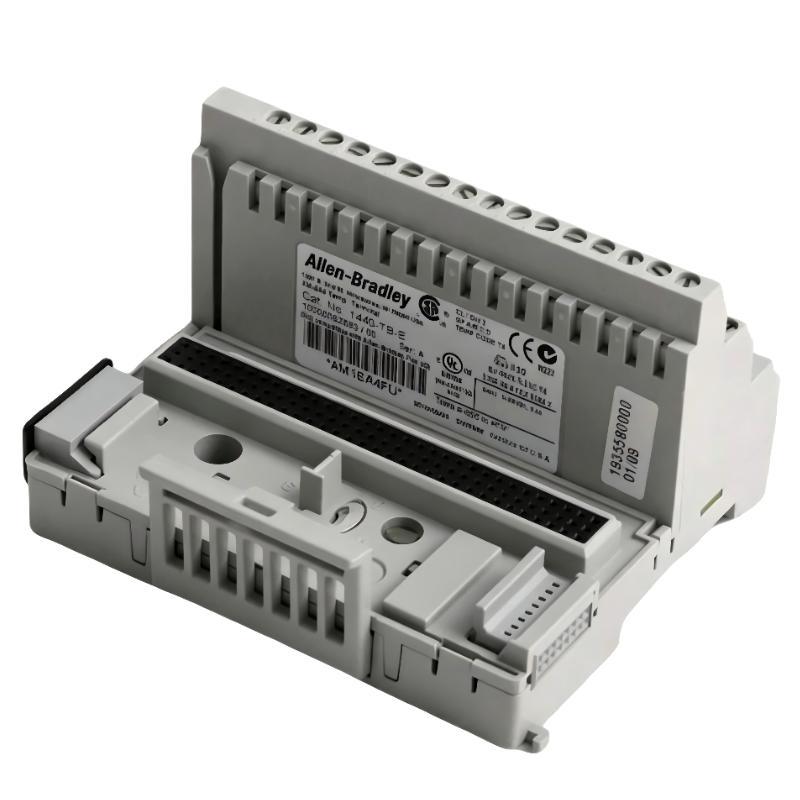
<h2>Allen-Bradley 1440-TB-E Fault Diagnosis Logic (Field Approach)</h2>
Instead of replacing components immediately, a structured diagnostic process is required.
Step-by-step reasoning used in field troubleshooting:
If LED power is stable → power supply is not the issue
If DeviceNet node disappears → communication layer or backplane suspected
If reseating restores function → mechanical contact issue confirmed
During a compressor monitoring system audit, we measured backplane continuity resistance and found fluctuations between 0.4Ω and 2.1Ω depending on vibration load. This clearly indicated intermittent terminal seating pressure loss.
<h2>Allen-Bradley 1440-TB-E Root Cause Analysis in Real Case Study</h2>
In a refinery pump monitoring system, repeated “XM module dropout” alarms were recorded.
Initial assumption:
Faulty XM-121 vibration module
However, deeper diagnostics revealed:
Module function normal on bench test
DeviceNet network stable when bypassing terminal base
Fault only occurred under vibration conditions
Final root cause:
Micro-movement of the 1440-TB-E terminal base caused intermittent backplane disconnect.
The cabinet was installed on a structure with high mechanical resonance (8–12 Hz range), which amplified vibration transfer to the DIN rail.
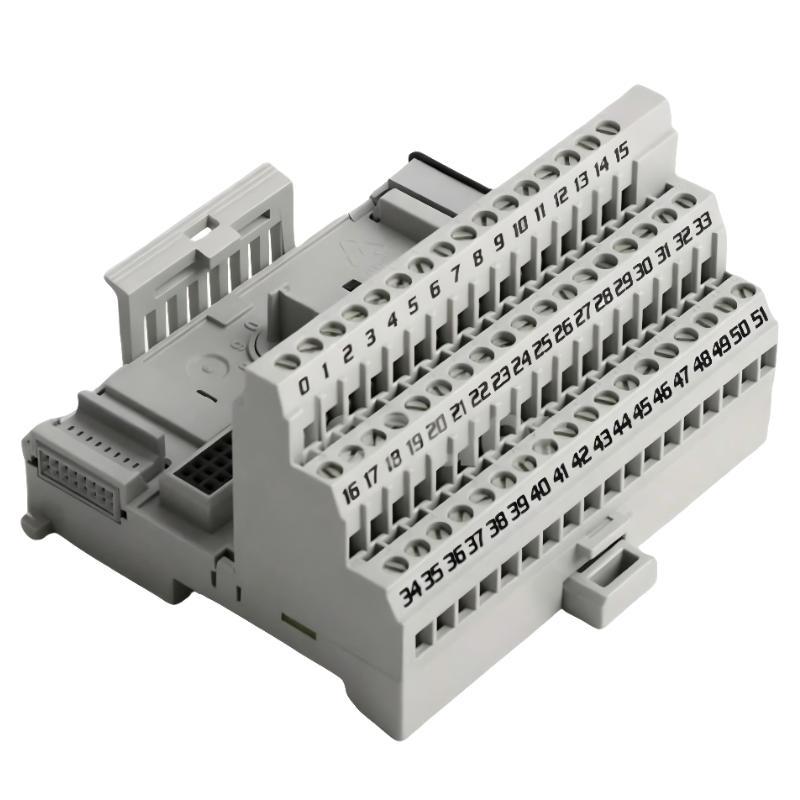
<h2>Allen-Bradley 1440-TB-E Repair and Recovery Procedure</h2>
Corrective actions were applied in sequence:
Removed terminal base from DIN rail
Inspected locking mechanism for wear
Reinstalled with reinforced DIN rail clamps
Added vibration damping pad behind mounting rail
After correction:
Signal dropout frequency reduced from every 20 minutes → zero occurrences over 72 hours
Vibration monitoring stability improved significantly
Backplane continuity remained stable under load
<h2>Allen-Bradley 1440-TB-E Troubleshooting Insight for Engineers</h2>
A key engineering lesson from field operations:
Most 1440-TB-E faults are not electronic failures, but mechanical micro-disconnection issues under vibration stress.
Recommended diagnostic mindset:
Treat “module failure” as last hypothesis
Always validate mechanical seating first
Use vibration correlation when faults are intermittent
In industrial environments such as turbines, compressors, and pump skids, mechanical stress is often the hidden variable behind communication instability.